Identify gear at a glance
Save photos, descriptions and model notes for the tools and parts you keep.
 BoxSeek QR
Tutorial
Tradespeople & contractors / Know what you’ve packed
When the van, shed and workshop all hold useful gear, memory has a lot to do. Record your tools and supplies so you know where you last put them.
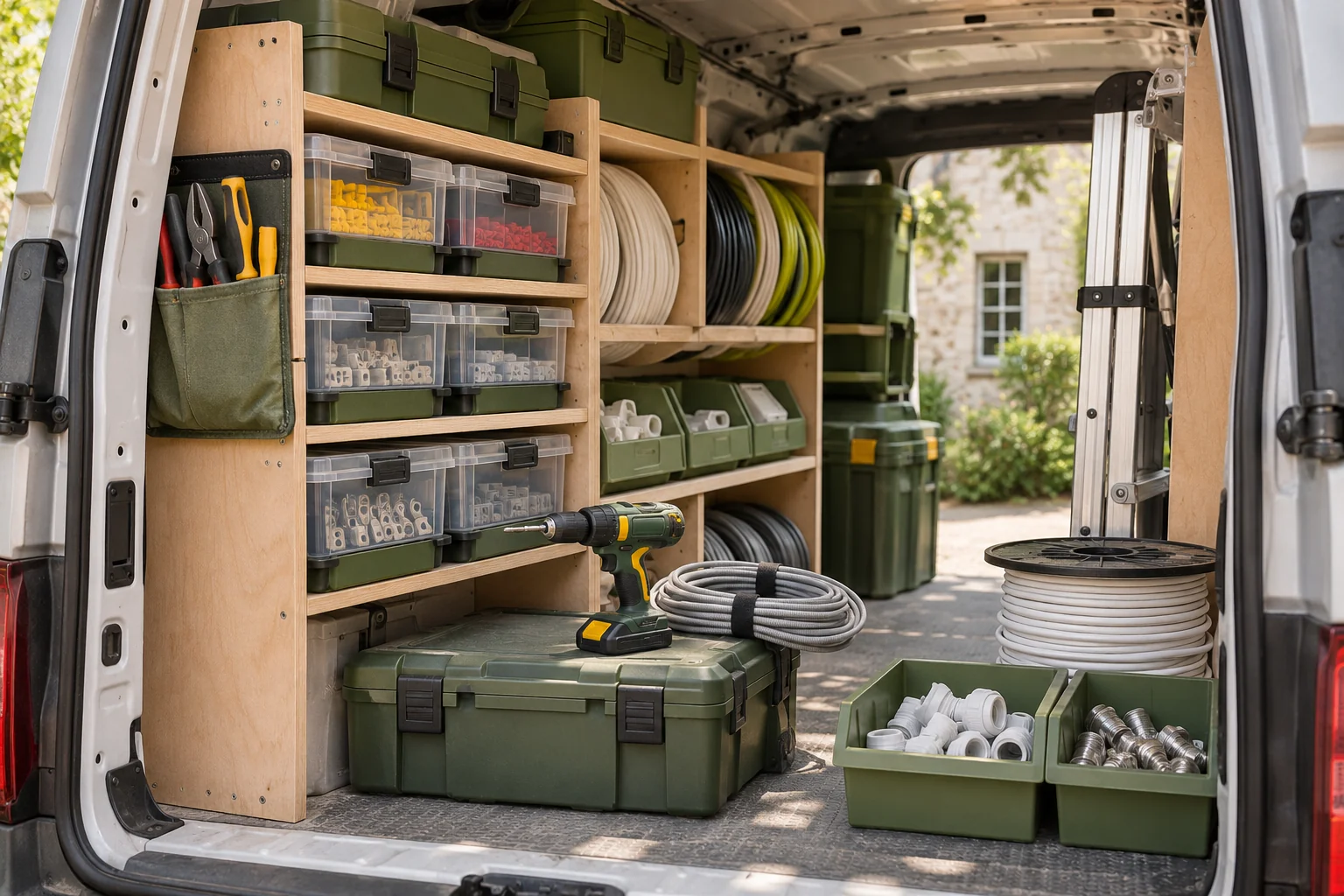
A familiar moment
A small stock of parts can be surprisingly hard to keep straight. A photo inventory helps you check the saved list and find a recorded storage location before you start unpacking cases.
Useful in the everyday
Save photos, descriptions and model notes for the tools and parts you keep.
Use typed locations such as “Van · rear rack · lower shelf” and update them when a case changes places.
Record who borrowed an item and an optional return date. Mark it returned when it comes back.
Put it into practice
A short list that matches the physical shelf is a good place to begin.
Name it clearly and record where you usually keep it.
Save photos, names and quantities. Use notes for the details that distinguish similar tools.
Record moves, changed quantities and loans as you pack away. Keep a backup outside the app.
An example to make it concrete
Use your own names and locations. This is an illustrative entry, not a record created in your app.
Inside the working app
The real app screen shown here uses existing camping inventory. The same inventory tools can record your own belongings and storage.
Keep saved details current when things move. Photo-assisted suggestions need review; a QR label looks up what you recorded.
A few practical details
Record the new location when you move a case or item. Search shows the location you last entered.
Use Lend to record the borrower and optional return date, then mark the item returned when it is back.
Open the app for current plans and confirm the terms fit your trade or contracting work.
BOXSEEK QR
Start with one box. Build a list you can find again.
Another place to bring some order
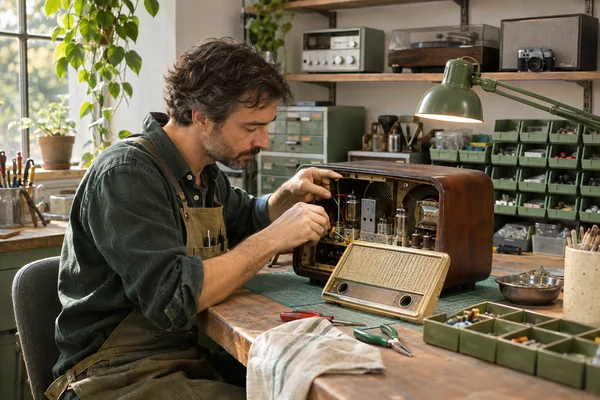
Back to the bench
The replacement adapter is here somewhere. The repair is waiting for it.
Explore this use case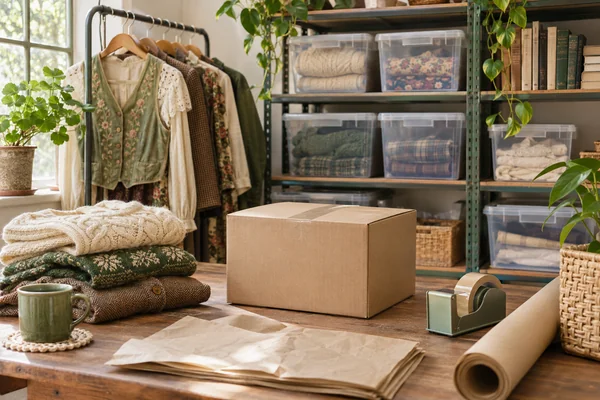
From stored to ready
An order comes in for the blue jacket. You have four bins of clothing.
Explore this use case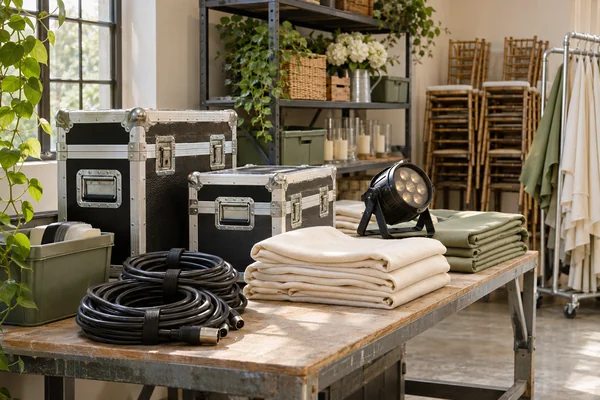
Ready for the next outing
The event is tomorrow. Where are the spare cables, and who has the lamp?
Explore this use case