Make the arrangement understandable
Use the same plain-language names in the app that your client uses at home. A drawer or shelf can be a named storage place too.
 BoxSeek QR
Tutorial
Professional organizers / Order that lasts
A well-organized room should still make sense after you leave. Help your client build a simple photo inventory of the belongings they’ll want to find again.
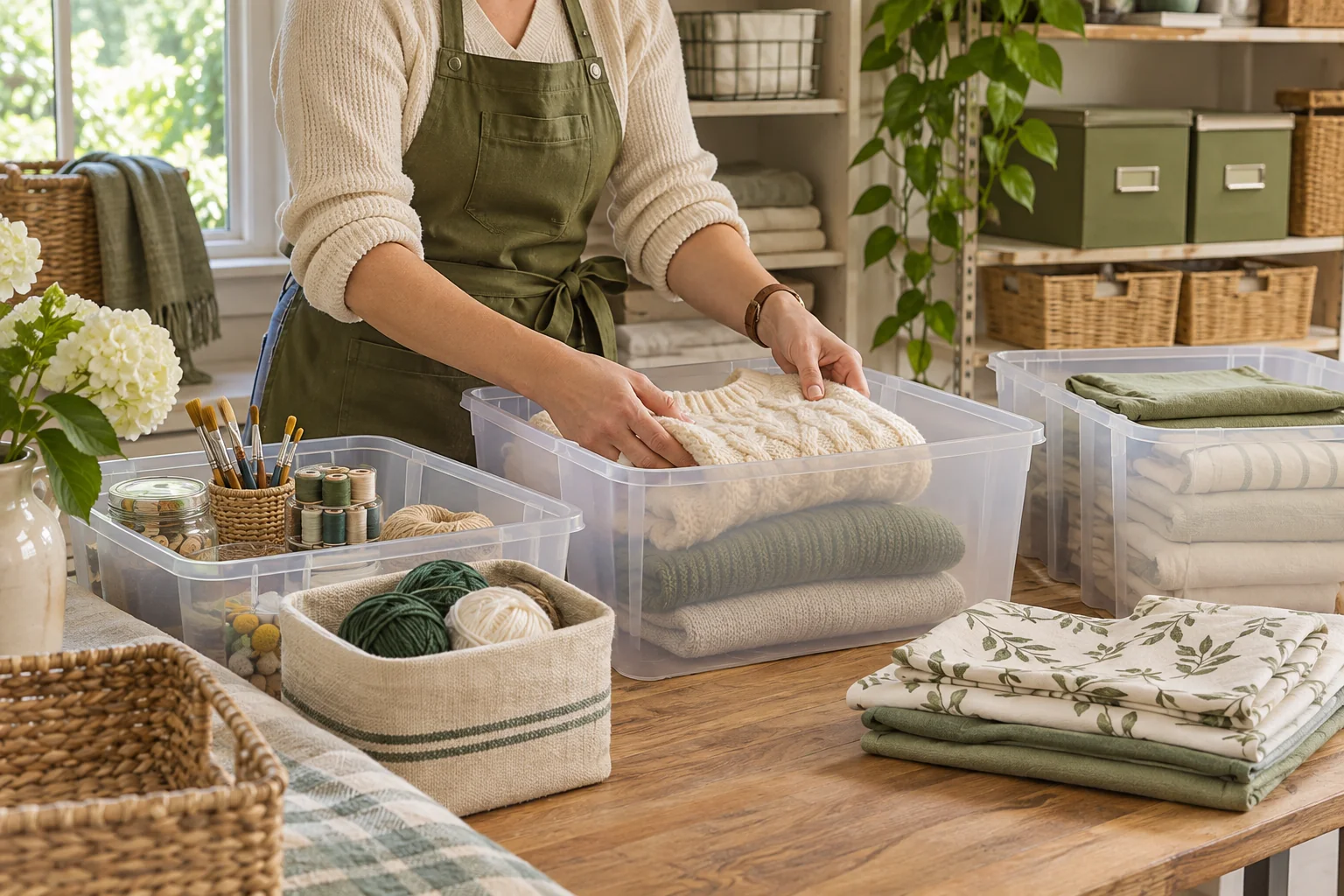
A familiar moment
Give the finished arrangement a memory. Set up clear box names and useful location descriptions with the client, then show them how a search connects an item to its place.
Useful in the everyday
Use the same plain-language names in the app that your client uses at home. A drawer or shelf can be a named storage place too.
Photos make it easier to tell similar items apart. Review any photo-assisted suggestions together before saving.
Show the client how to update an item when it moves and how to export a backup with photos.
Put it into practice
A short list that matches the physical shelf is a good place to begin.
Choose one cupboard or shelf and agree on names that will feel natural to search later.
Add a few useful items, attach photos and type where the storage sits. Print labels if the client wants them.
Ask them to search for a saved item and find its box. Finish by helping them save an inventory backup.
An example to make it concrete
Use your own names and locations. This is an illustrative entry, not a record created in your app.
Inside the working app
The real app screen shown here uses existing camping inventory. The same inventory tools can record your own belongings and storage.
Keep saved details current when things move. Photo-assisted suggestions need review; a QR label looks up what you recorded.
A few practical details
Work with the client in their own inventory on their device. Demonstrate adding, finding and updating belongings so they can maintain it themselves.
Yes. Record a shelf, drawer, bin or box with a recognizable name and a typed location. There is no requirement to replace the furniture.
Open the app for current options and confirm the plan is suitable for your work before including it in a paid service.
BOXSEEK QR
Start with one box. Build a list you can find again.
Another place to bring some order
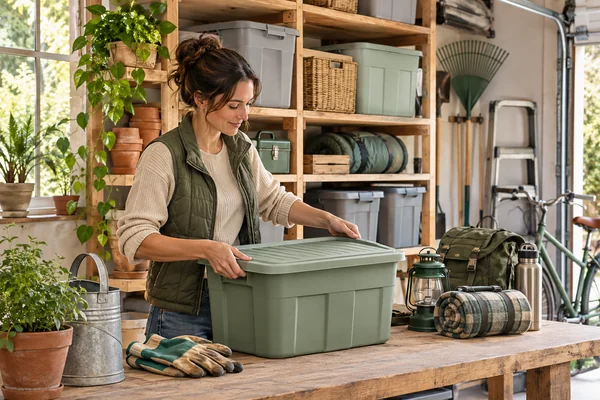
A home for the things you keep
You bought another extension lead. Then found the three you already had.
Explore this use case
From packed to found
It’s the first evening in the new place. You just want to make a cup of tea.
Explore this use case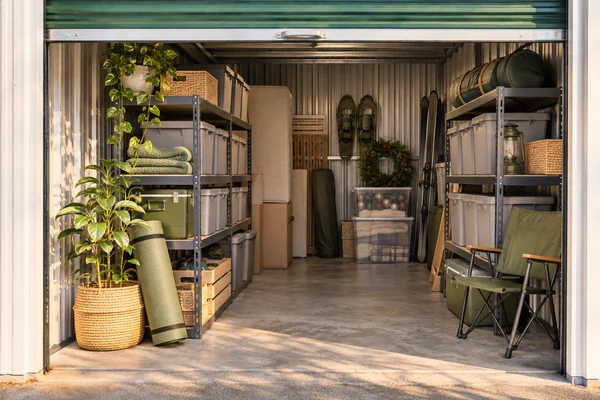
Beyond the front door
You need the camping stove, not another afternoon opening identical totes.
Explore this use case