Remember what’s off-site
Keep item photos and descriptions beside the box they belong to. Check the saved list when you’re deciding what to bring home.
 BoxSeek QR
Tutorial
Self-storage renters / Beyond the front door
You’re paying to keep your things somewhere safe. Give yourself a way to remember what’s there, which box it’s in and where that box sits.
A familiar moment
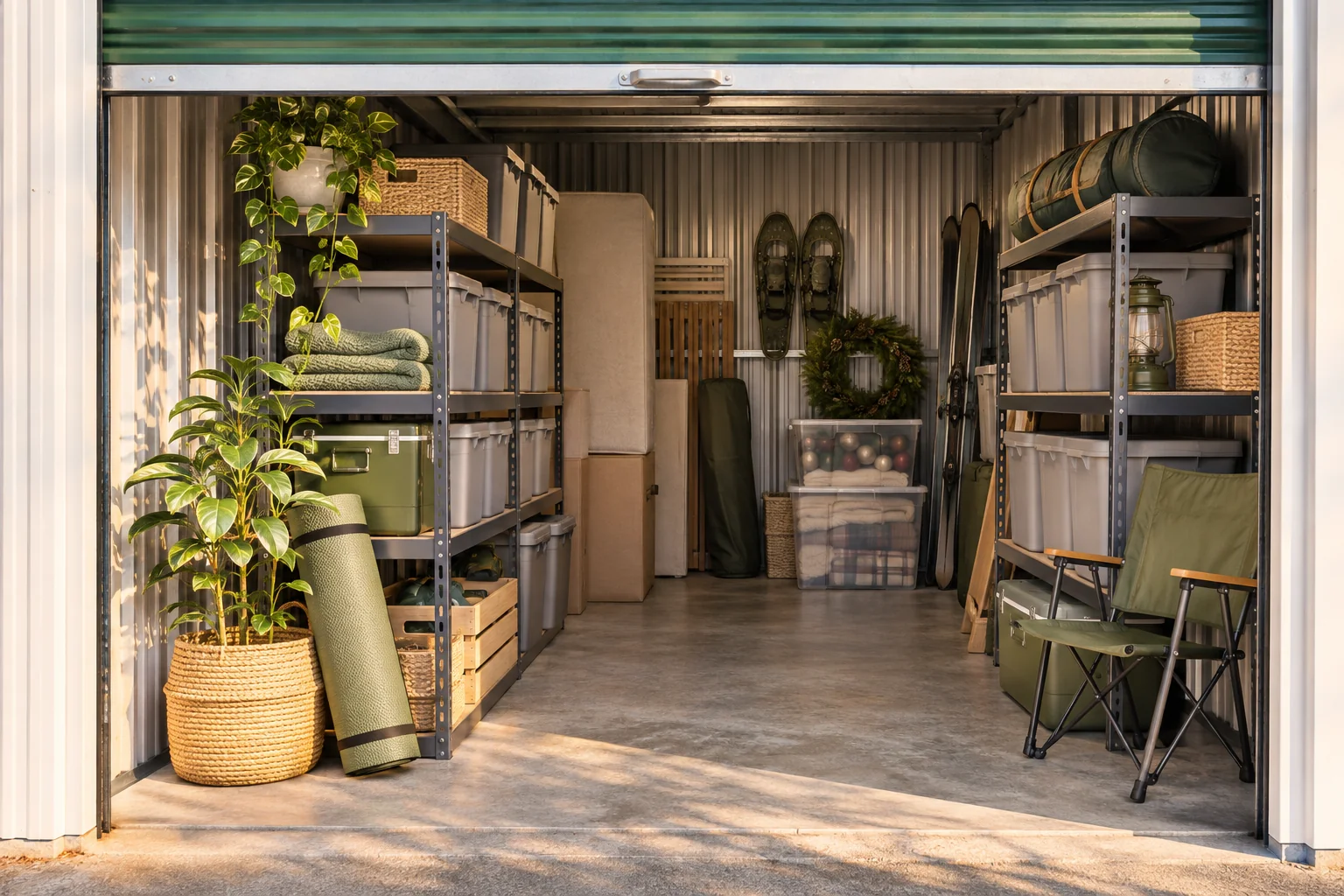
A storage unit is easy to fill and surprisingly hard to remember. A photo inventory gives each box a useful name and a recorded place, so you can look up what you saved before making the trip.
Useful in the everyday
Keep item photos and descriptions beside the box they belong to. Check the saved list when you’re deciding what to bring home.
Use a location such as “Unit 24 · left rack · middle shelf” to record where you placed a box. Update it when you rearrange.
Print a BoxSeek QR label for the tote. Scan it to retrieve the contents you previously recorded.
Put it into practice
A short list that matches the physical shelf is a good place to begin.
Choose names you’ll recognize later, and type a location that describes the unit and shelf.
Add photos and item names. Include distinctive details such as size, color or the accessories packed with it.
Search for one item, check its box and location, then attach the printed label to that box.
An example to make it concrete
Use your own names and locations. This is an illustrative entry, not a record created in your app.
Inside the working app
The real app screen shown here uses existing camping inventory. The same inventory tools can record your own belongings and storage.
Keep saved details current when things move. Photo-assisted suggestions need review; a QR label looks up what you recorded.
A few practical details
Your on-device inventory is available offline. Online features such as photo-assisted processing still need a connection. Keep a current backup outside the app.
The label identifies a saved record. Update the box location and item contents when you physically move things.
Use your existing boxes or totes. Give each one a name and print its BoxSeek QR label.
BOXSEEK QR
Start with one box. Build a list you can find again.
Another place to bring some order
A home for the things you keep
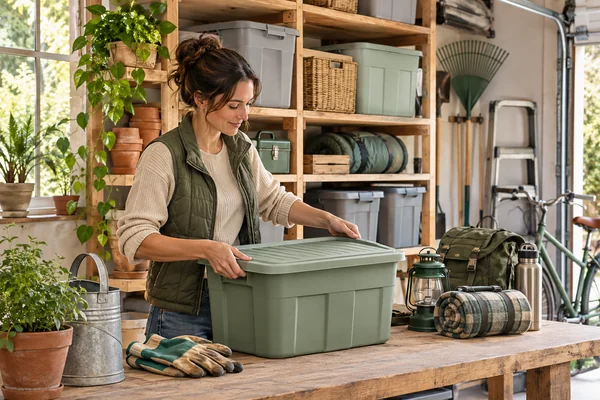
You bought another extension lead. Then found the three you already had.
Explore this use case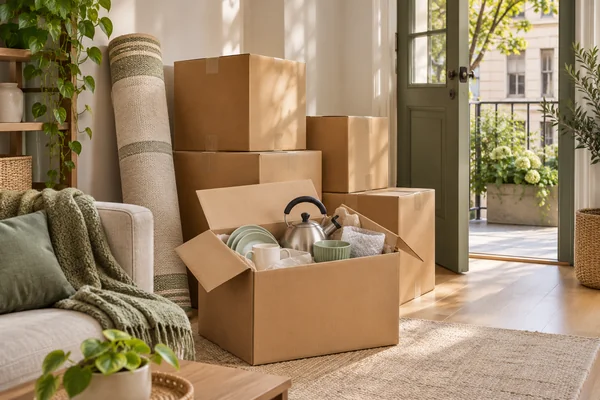
From packed to found
It’s the first evening in the new place. You just want to make a cup of tea.
Explore this use case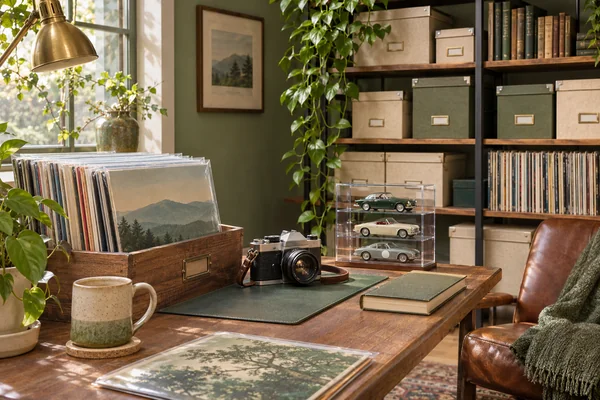
Keep the collection close
You know exactly which record you want to play. Which storage box is it in?
Explore this use case