Tell similar parts apart
Record visible model details, colors and notes beside a photo. Use the terms you actually search for at the bench.
 BoxSeek QR
Tutorial
Repair shops / Back to the bench
Similar-looking adapters. A drawer of fittings. A boxed device waiting on the shelf. Give stored parts and equipment a photo, a useful name and a recorded place.
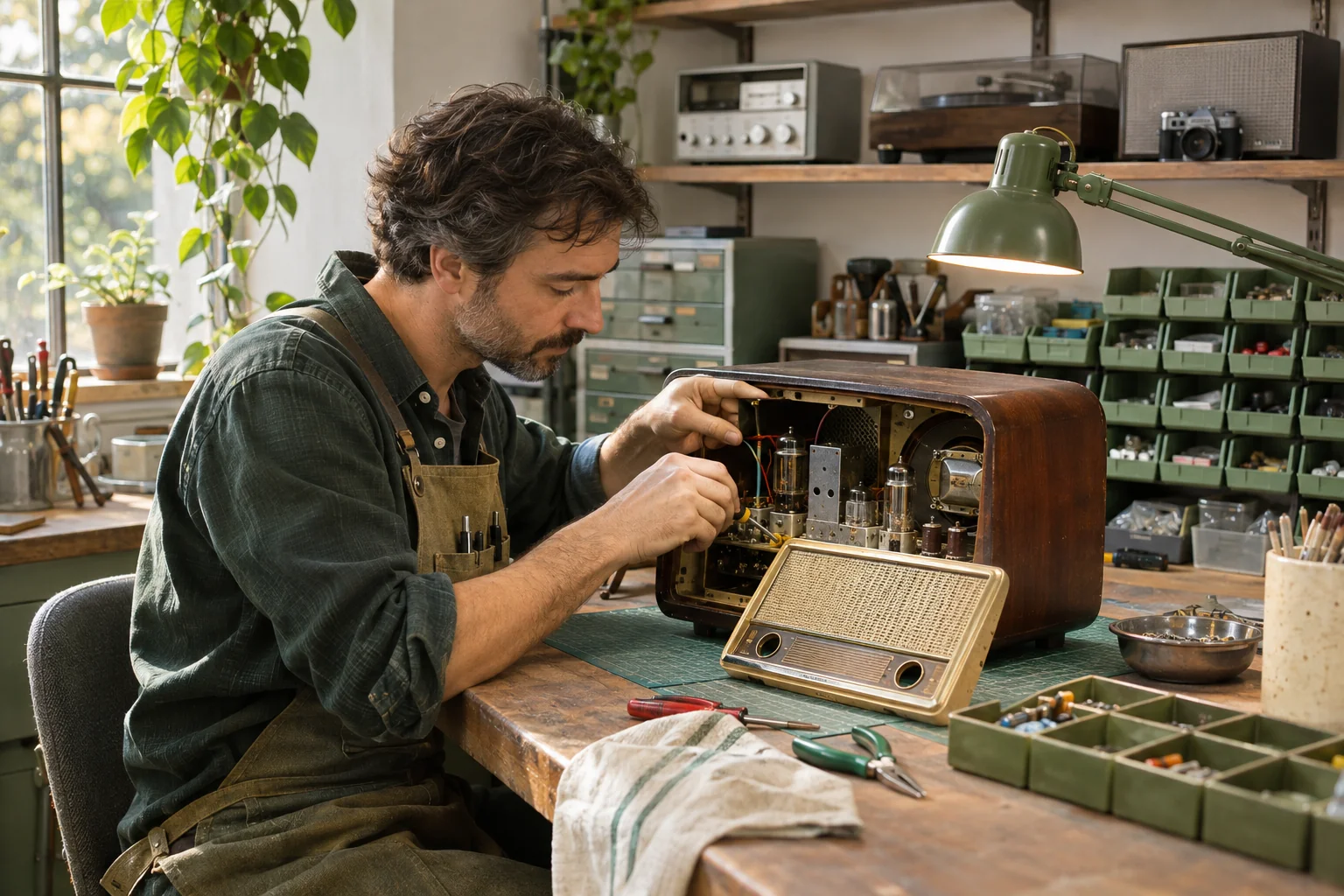
A familiar moment
Small workshops accumulate useful parts faster than anyone can remember them. Catalog the pieces you keep, and search the saved descriptions before opening every drawer.
Useful in the everyday
Record visible model details, colors and notes beside a photo. Use the terms you actually search for at the bench.
Name a parts bin and record its shelf or cabinet location. Print a label to open its saved contents.
Record a quantity for identical pieces and update it when you take parts out or put them back.
Put it into practice
A short list that matches the physical shelf is a good place to begin.
Choose the adapters, screws or fittings that regularly interrupt your work.
Add a photo, searchable name, quantity and relevant notes. Review any AI suggestions against the actual part.
Label the bin and update the inventory as its contents change.
An example to make it concrete
Use your own names and locations. This is an illustrative entry, not a record created in your app.
Inside the working app
The real app screen shown here uses existing camping inventory. The same inventory tools can record your own belongings and storage.
Keep saved details current when things move. Photo-assisted suggestions need review; a QR label looks up what you recorded.
A few practical details
Use a photo and the details you can verify, such as the printed model, connector type or size. Keep uncertain information out of the description.
You update the saved quantity or item status when parts are used, moved or returned. Make that part of the bench routine.
Check the current options in the app and confirm suitability for your business before relying on it for workshop inventory.
BOXSEEK QR
Start with one box. Build a list you can find again.
Another place to bring some order
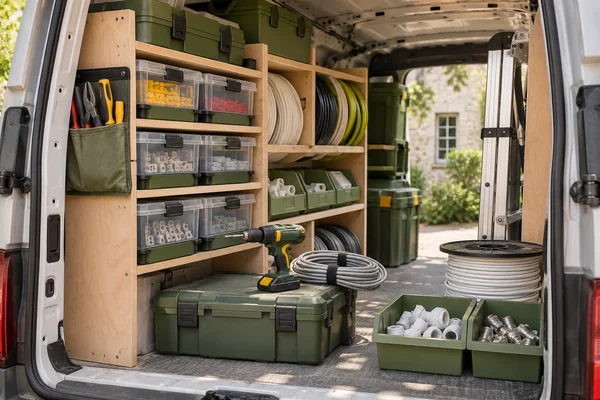
Know what you’ve packed
You’re about to buy more fittings. Could they already be in the van?
Explore this use case
From stored to ready
An order comes in for the blue jacket. You have four bins of clothing.
Explore this use case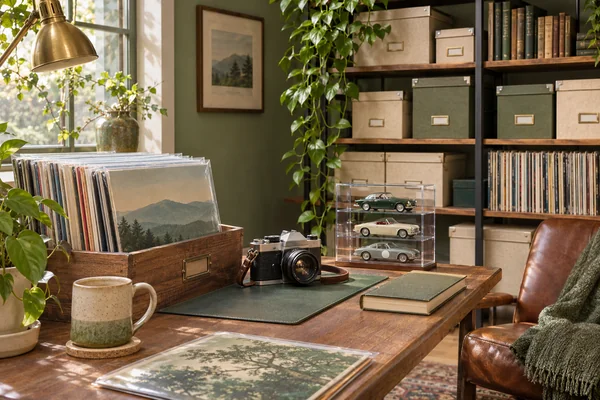
Keep the collection close
You know exactly which record you want to play. Which storage box is it in?
Explore this use case