Make the cupboard understandable
Name storage boxes and record locations by room, cupboard and shelf using plain-language descriptions.
 BoxSeek QR
Tutorial
Schools, clubs & community groups / More time for the activity
Art materials, sports gear and the cables for the robotics club. Give the cupboard a searchable photo inventory so preparation starts with finding what you already have.
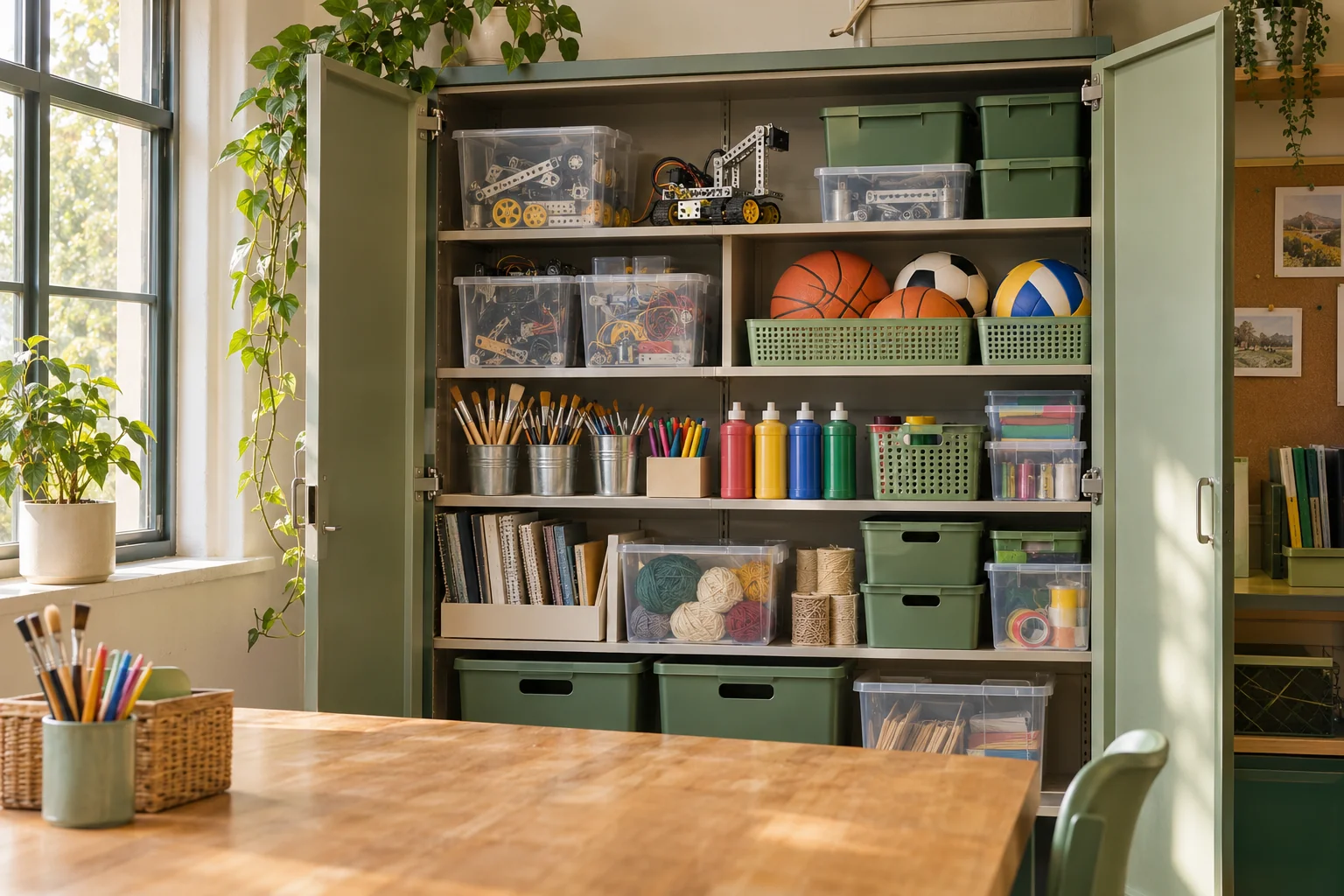
A familiar moment
Supplies often outlast the person who put them away. Clear names, photos and recorded locations help the person maintaining the inventory remember where the materials belong.
Useful in the everyday
Name storage boxes and record locations by room, cupboard and shelf using plain-language descriptions.
Use photos, notes and quantities for craft materials, club parts and sports equipment.
Keep a borrower and optional due date with lent items, then mark them returned when they come back.
Put it into practice
A short list that matches the physical shelf is a good place to begin.
Start with the materials you reach for most often. Give each box a useful name.
Add photos and quantities, then print labels for the boxes you want to scan.
Update moves, quantities and loans after the activity, and export an inventory backup.
An example to make it concrete
Use your own names and locations. This is an illustrative entry, not a record created in your app.
Inside the working app
The real app screen shown here uses existing camping inventory. The same inventory tools can record your own belongings and storage.
Keep saved details current when things move. Photo-assisted suggestions need review; a QR label looks up what you recorded.
A few practical details
Choose one cupboard or one activity’s equipment. A smaller list that stays accurate is more useful than a large unfinished catalog.
Yes. Record the quantity on an item and update it as the contents change.
Review current plans and suitability for your organization in the app. Decide who maintains the inventory and where its backups will be kept.
BOXSEEK QR
Start with one box. Build a list you can find again.
Another place to bring some order
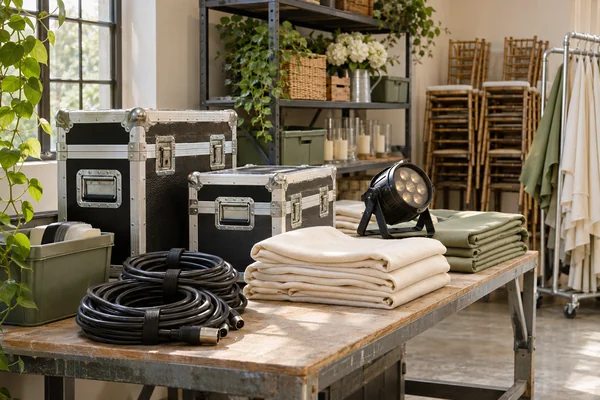
Ready for the next outing
The event is tomorrow. Where are the spare cables, and who has the lamp?
Explore this use case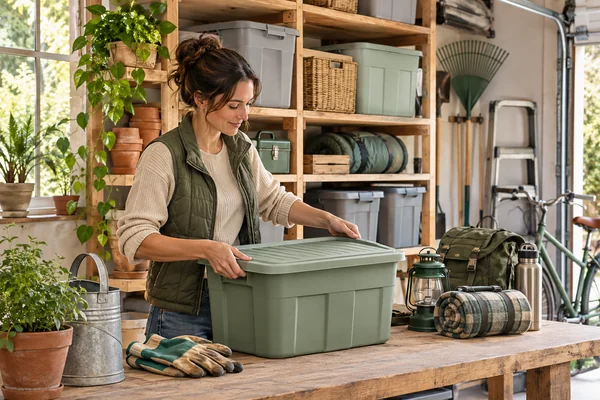
A home for the things you keep
You bought another extension lead. Then found the three you already had.
Explore this use case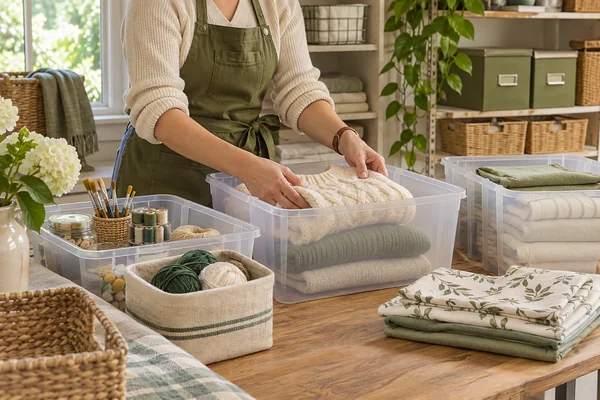
Order that lasts
The shelf looks wonderful. Two weeks later, your client needs the spare bedding.
Explore this use case