Match the thing to its record
Save an identifying photo, descriptive name and notes that help you distinguish similar items.
 BoxSeek QR
Tutorial
Small online sellers / From stored to ready
The listing is easy to recognize. The storage bin can be another story. Connect sale items to a saved photo, a quantity and the place you put them.
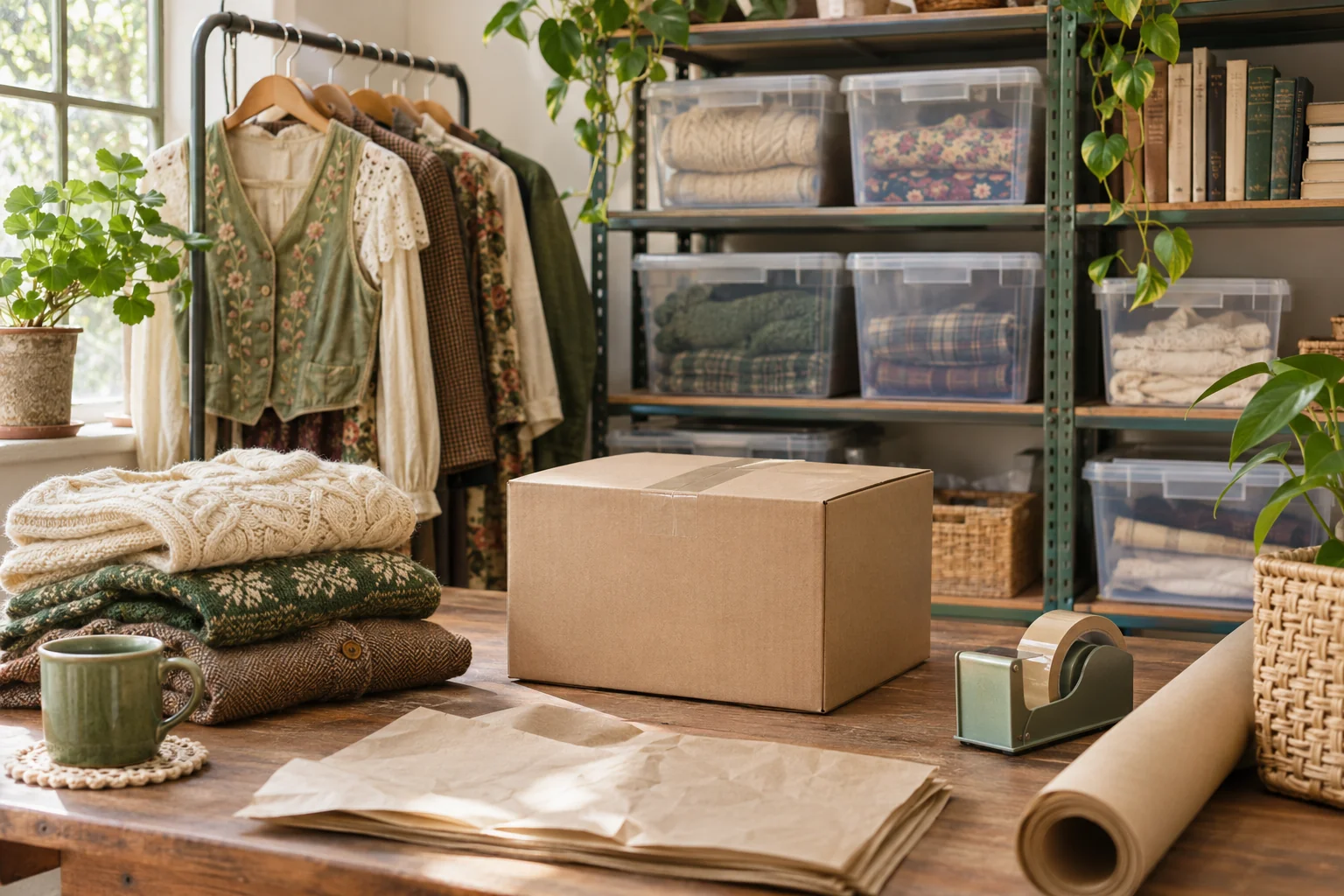
A familiar moment
When you store stock in a spare room or a garage, a simple photo record can save a lot of rummaging. Use searchable names and notes to find the physical item you intend to pack.
Useful in the everyday
Save an identifying photo, descriptive name and notes that help you distinguish similar items.
Record where each box sits. Scan its BoxSeek QR label to look up the items you stored there.
Keep quantities and stored-item status aligned with what remains after you remove or move goods.
Put it into practice
A short list that matches the physical shelf is a good place to begin.
Choose names and physical locations that make sense in your packing space.
Add photos, searchable details and quantities. Include a reference in notes if it helps your routine.
Update the inventory when an item leaves storage, and save a fresh backup after important changes.
An example to make it concrete
Use your own names and locations. This is an illustrative entry, not a record created in your app.
Inside the working app
The real app screen shown here uses existing camping inventory. The same inventory tools can record your own belongings and storage.
Keep saved details current when things move. Photo-assisted suggestions need review; a QR label looks up what you recorded.
A few practical details
Update the item’s quantity or status when it leaves storage. Make this a regular part of your packing routine.
Use an item’s quantity for identical pieces stored together. Use separate entries when their condition, details or storage differ.
Review the current plans and terms in the app before using BoxSeek for business stock.
BOXSEEK QR
Start with one box. Build a list you can find again.
Another place to bring some order
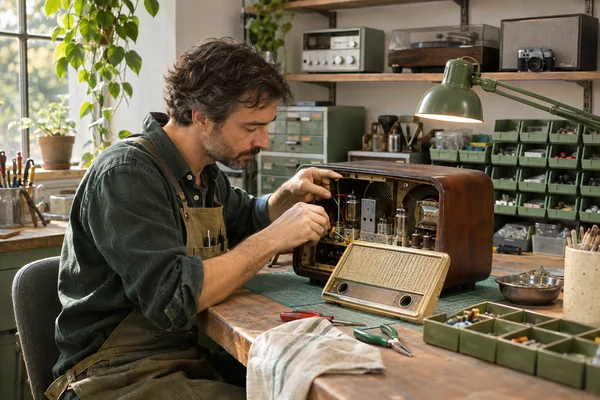
Back to the bench
The replacement adapter is here somewhere. The repair is waiting for it.
Explore this use case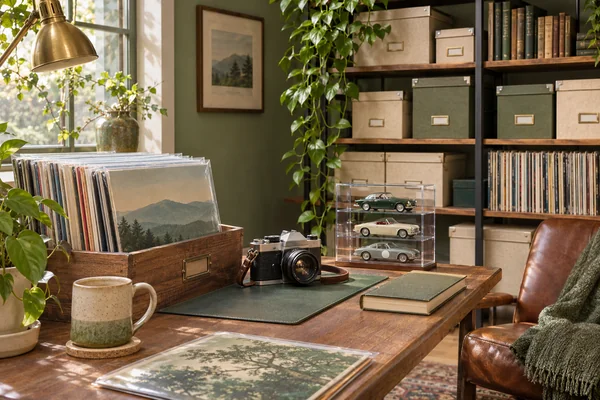
Keep the collection close
You know exactly which record you want to play. Which storage box is it in?
Explore this use case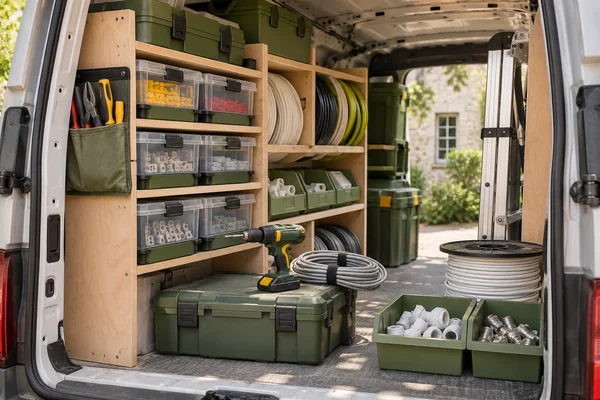
Know what you’ve packed
You’re about to buy more fittings. Could they already be in the van?
Explore this use case