Make stored equipment recognizable
Keep photos, names and quantities for cables, stands, décor and other reusable gear.
 BoxSeek QR
Tutorial
Events & rental equipment / Ready for the next outing
Reusable equipment has a way of spreading across cases and cupboards. Keep photos of what belongs where, and a record of the items you lend.
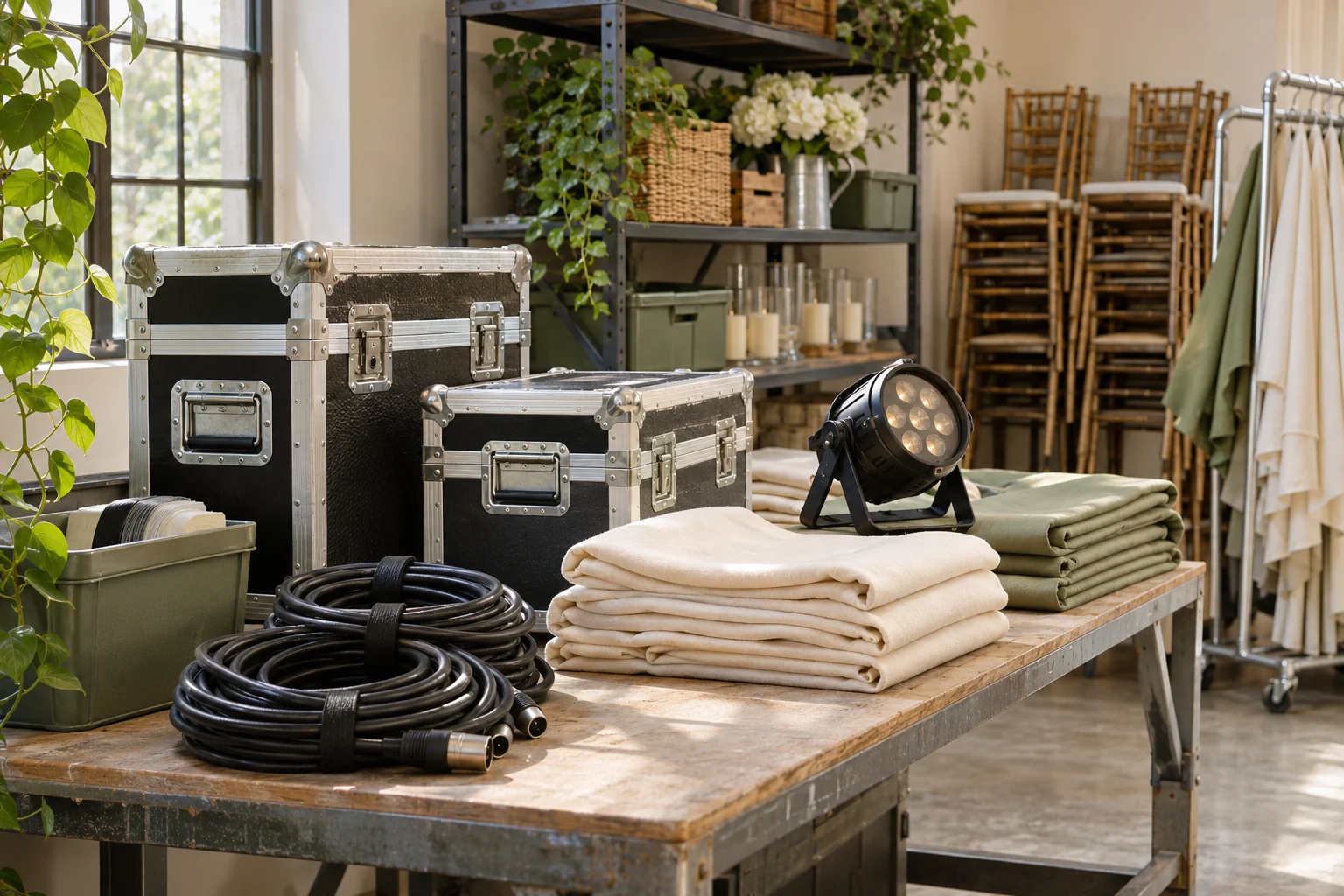
A familiar moment
A saved contents list helps you look up what belongs in a case. Lending records add a place to note who borrowed an item and when you expect it back.
Useful in the everyday
Keep photos, names and quantities for cables, stands, décor and other reusable gear.
Attach the case’s printed QR label and scan it to see the equipment you recorded.
Record a borrower and optional return date for lent items. Check alerts and mark the gear returned when it comes back.
Put it into practice
A short list that matches the physical shelf is a good place to begin.
Name it by the gear you store and record where it sits between events.
Add photos and quantities. Use notes for accessories that belong with an item.
Use the lending form for equipment that goes out, then update its status and storage when it comes back.
An example to make it concrete
Use your own names and locations. This is an illustrative entry, not a record created in your app.
Inside the working app
The real app screen shown here uses existing camping inventory. The same inventory tools can record your own belongings and storage.
Keep saved details current when things move. Photo-assisted suggestions need review; a QR label looks up what you recorded.
A few practical details
Create a named box for the case and save its items and quantities. Record the case’s normal storage location.
Add an optional return date when lending the item. Check the in-app alerts and mark it returned when the equipment is back.
Check current plans in the app and confirm their suitability for your business before using them for rental equipment records.
BOXSEEK QR
Start with one box. Build a list you can find again.
Another place to bring some order
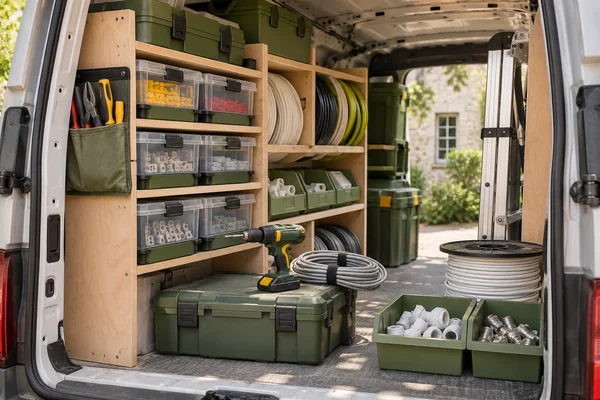
Know what you’ve packed
You’re about to buy more fittings. Could they already be in the van?
Explore this use case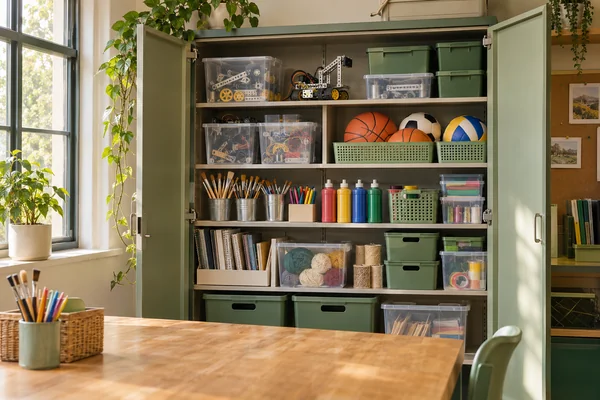
More time for the activity
The club starts in ten minutes. The project parts are in one of these cupboards.
Explore this use case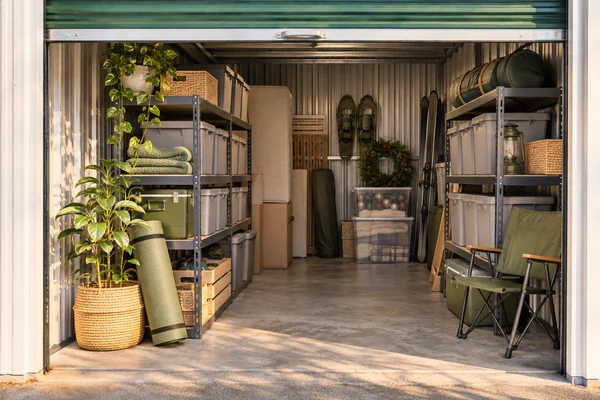
Beyond the front door
You need the camping stove, not another afternoon opening identical totes.
Explore this use case