Recognize the particular piece
Save your own photos and notes about edition, color, condition or the accessories stored with it.
 BoxSeek QR
Tutorial
Collectors / Keep the collection close
A collection is more than the things on display. Give boxed records, models, keepsakes and accessories a searchable home in your inventory.
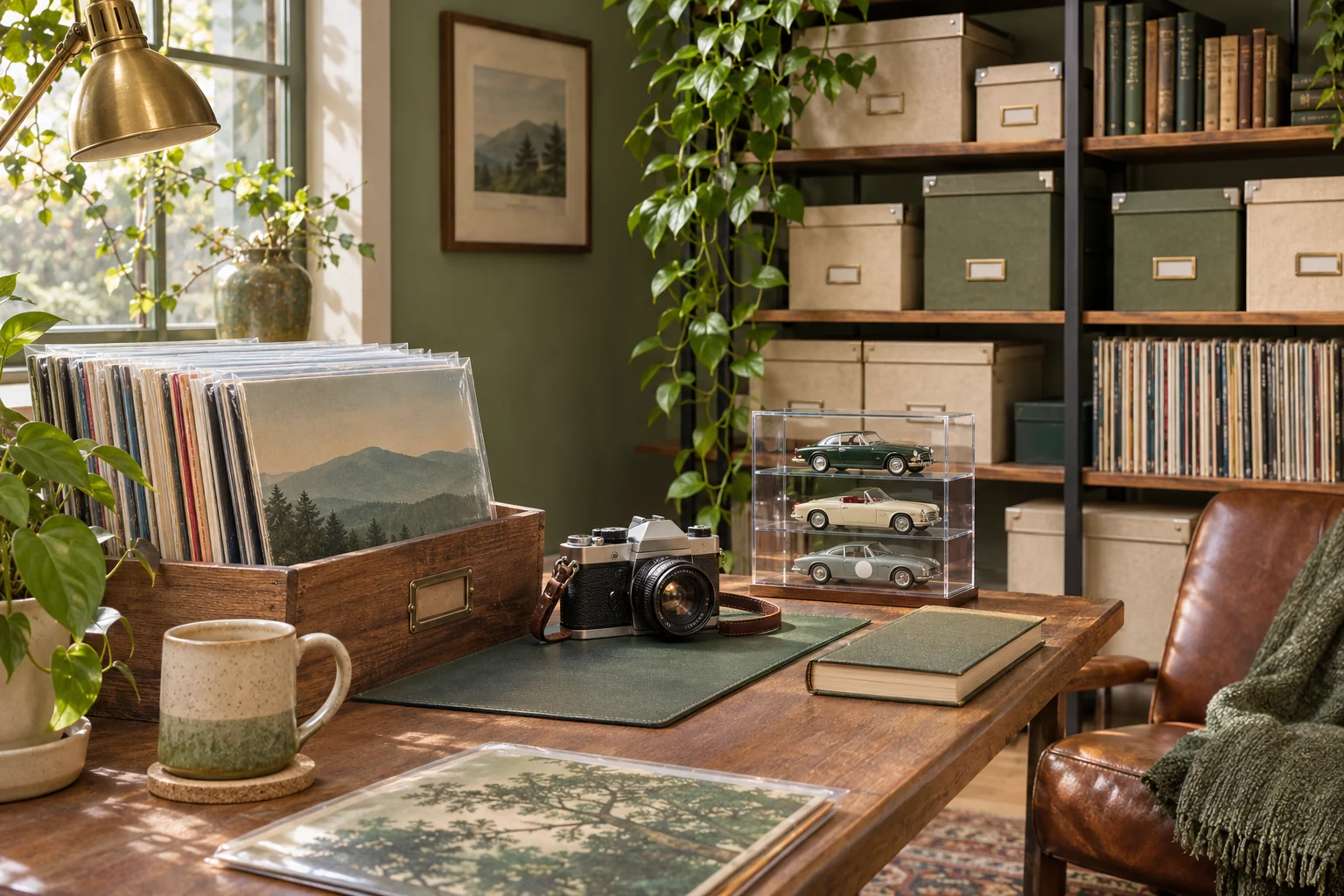
A familiar moment
The more carefully you store a collection, the less of it you see every day. Photos and descriptions help you reconnect each piece with the box or shelf where it belongs.
Useful in the everyday
Save your own photos and notes about edition, color, condition or the accessories stored with it.
Record the box and shelf location for stored pieces, then search the details you saved.
Export a spreadsheet for a readable list, and a backup with photos for restoring your inventory.
Put it into practice
A short list that matches the physical shelf is a good place to begin.
Give it a recognizable name and record its physical location.
Add photos and descriptive names. Verify edition and condition information yourself.
Search for a saved piece, check its box and location, then update the record if you move it.
An example to make it concrete
Use your own names and locations. This is an illustrative entry, not a record created in your app.
Inside the working app
The real app screen shown here uses existing camping inventory. The same inventory tools can record your own belongings and storage.
Keep saved details current when things move. Photo-assisted suggestions need review; a QR label looks up what you recorded.
A few practical details
Record the details you can verify and will want to search later, such as edition, identifying marks, condition and included accessories.
Treat any suggested details or estimates as something to review. They are not an independent appraisal of a collectible’s value.
The spreadsheet is a readable list. Use a full inventory backup with photos when you want a restorable copy.
BOXSEEK QR
Start with one box. Build a list you can find again.
Another place to bring some order
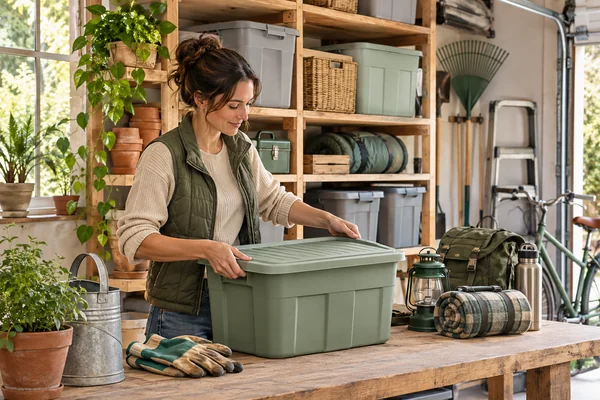
A home for the things you keep
You bought another extension lead. Then found the three you already had.
Explore this use case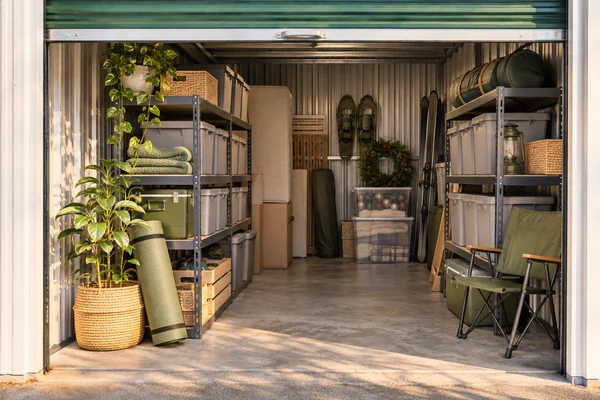
Beyond the front door
You need the camping stove, not another afternoon opening identical totes.
Explore this use case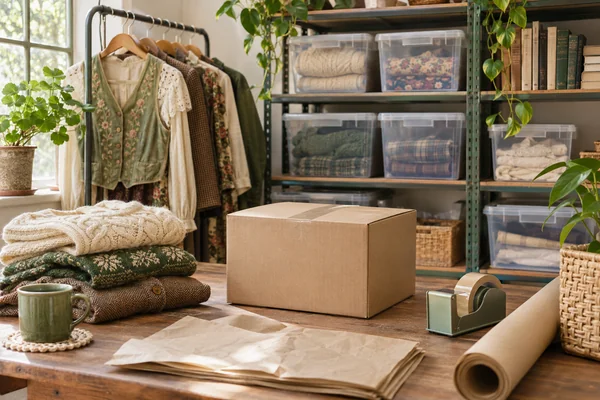
From stored to ready
An order comes in for the blue jacket. You have four bins of clothing.
Explore this use case