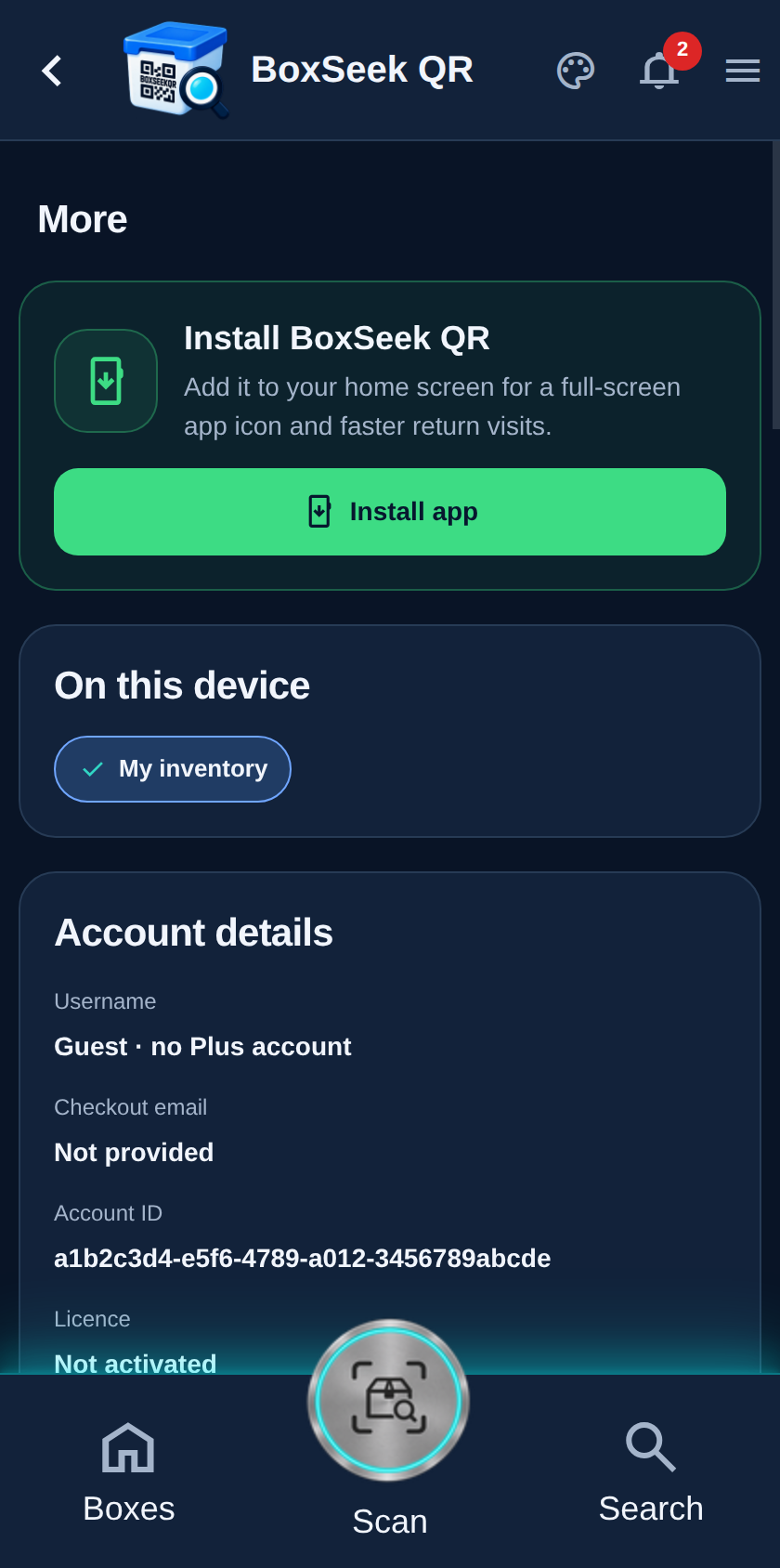
Step 1
Open More
Tap More (the menu icon) in the top bar. You land on a long settings page that groups everything that is not day-to-day boxing and scanning.
 BoxSeek QR
Tutorial
Tutorial 10
More is the settings hub. Open it from the menu icon to manage inventories on this device, your account, backups, weather, season reminders, and the sample inventory.
Tap More (the menu icon) in the top bar. You land on a long settings page that groups everything that is not day-to-day boxing and scanning.
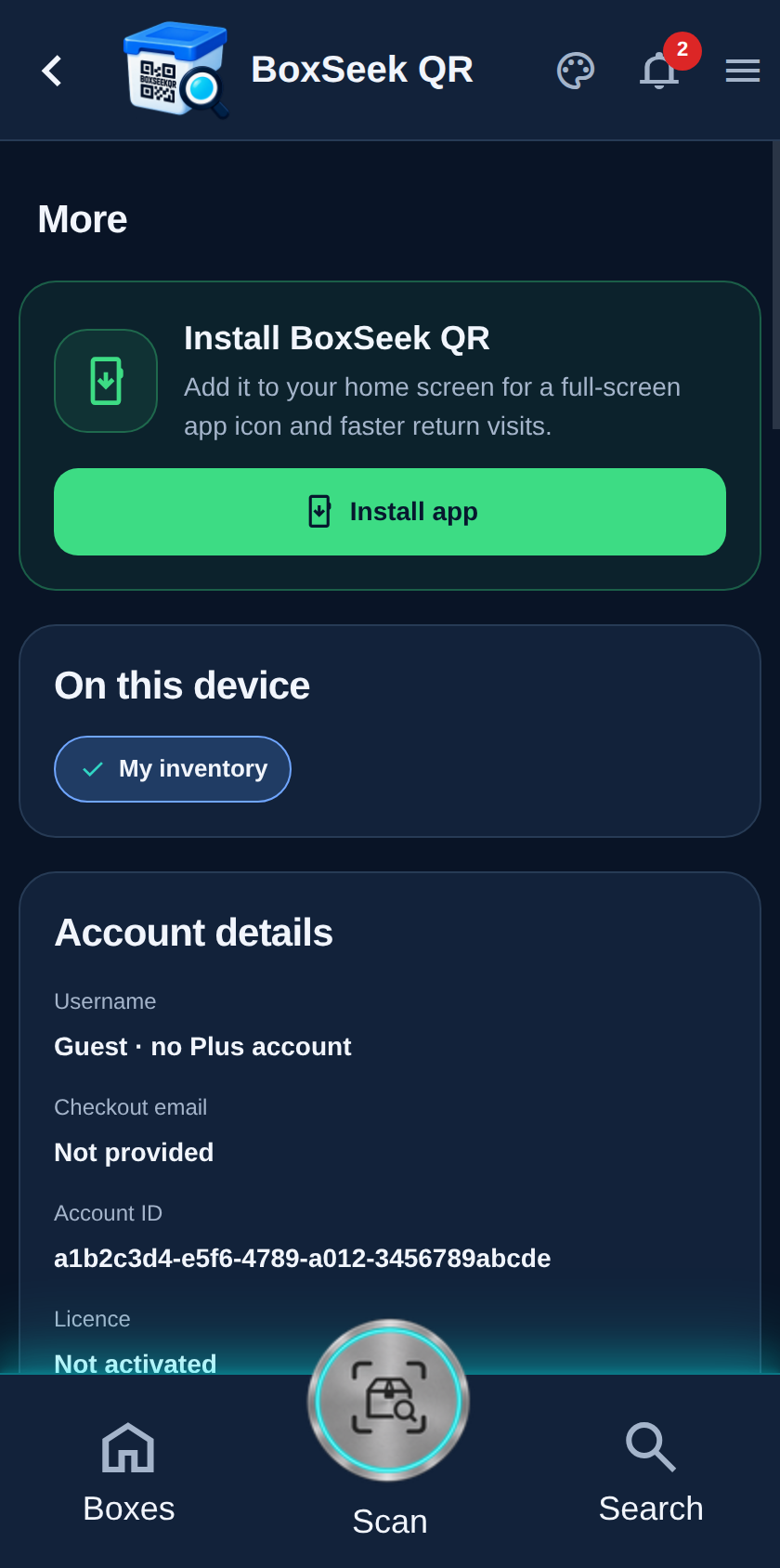
On this device lists every inventory stored locally—your own plus any shared copies you downloaded. The selected pill is the inventory you are working in right now.
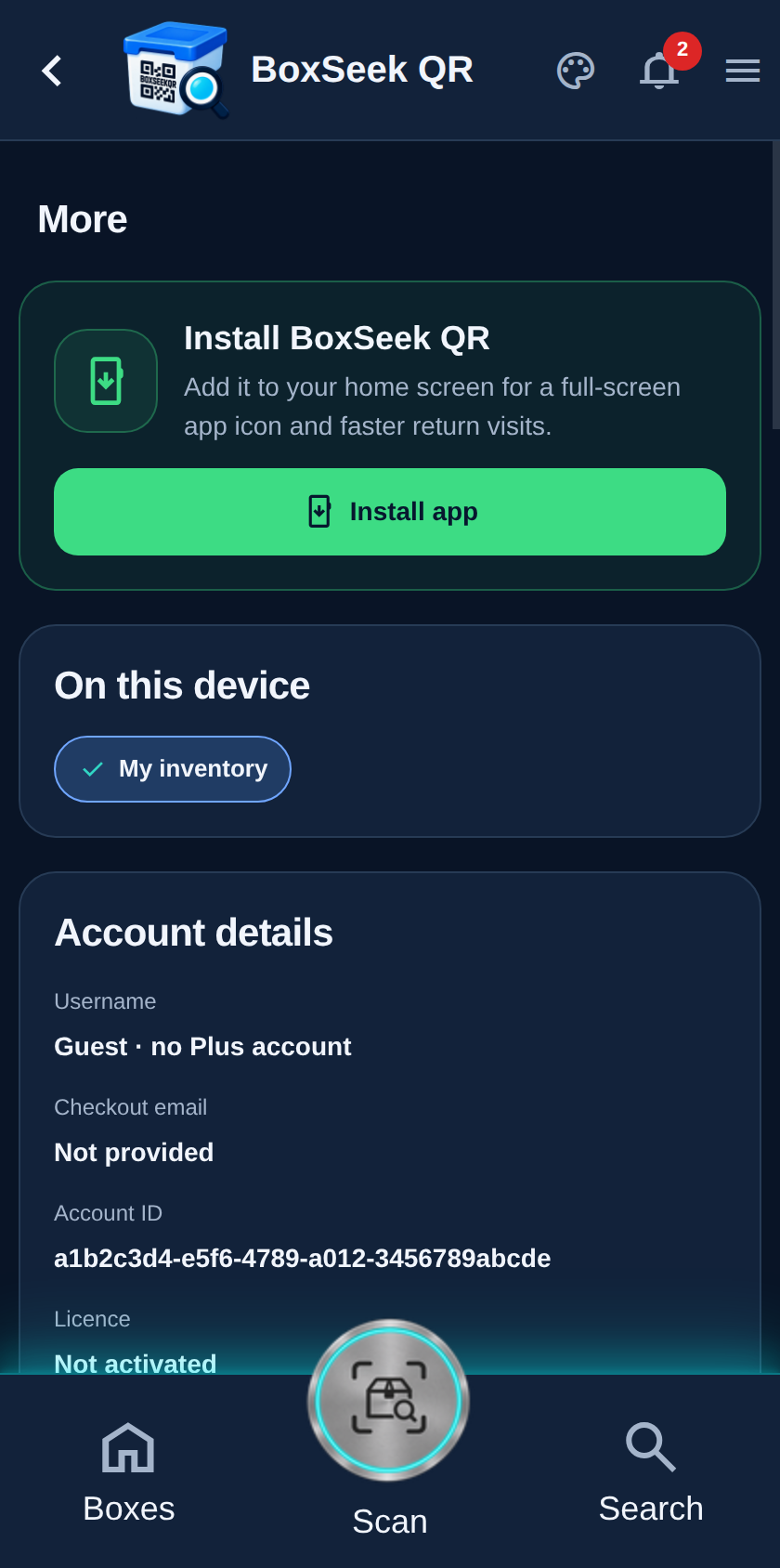
Further down: Account details, Database, Cold & heat warnings, Reminder settings, and Introduction and sample. The next tutorials cover those sections one by one.