Tutorial 15

Add BoxSeek QR to your home screen

The online app at boxseekqr.com/app/ can sit on your phone or computer like other apps—full screen, with its own icon. How you add it depends on your device. Store apps for Android and iOS are still coming; this uses the same online inventory you already have.

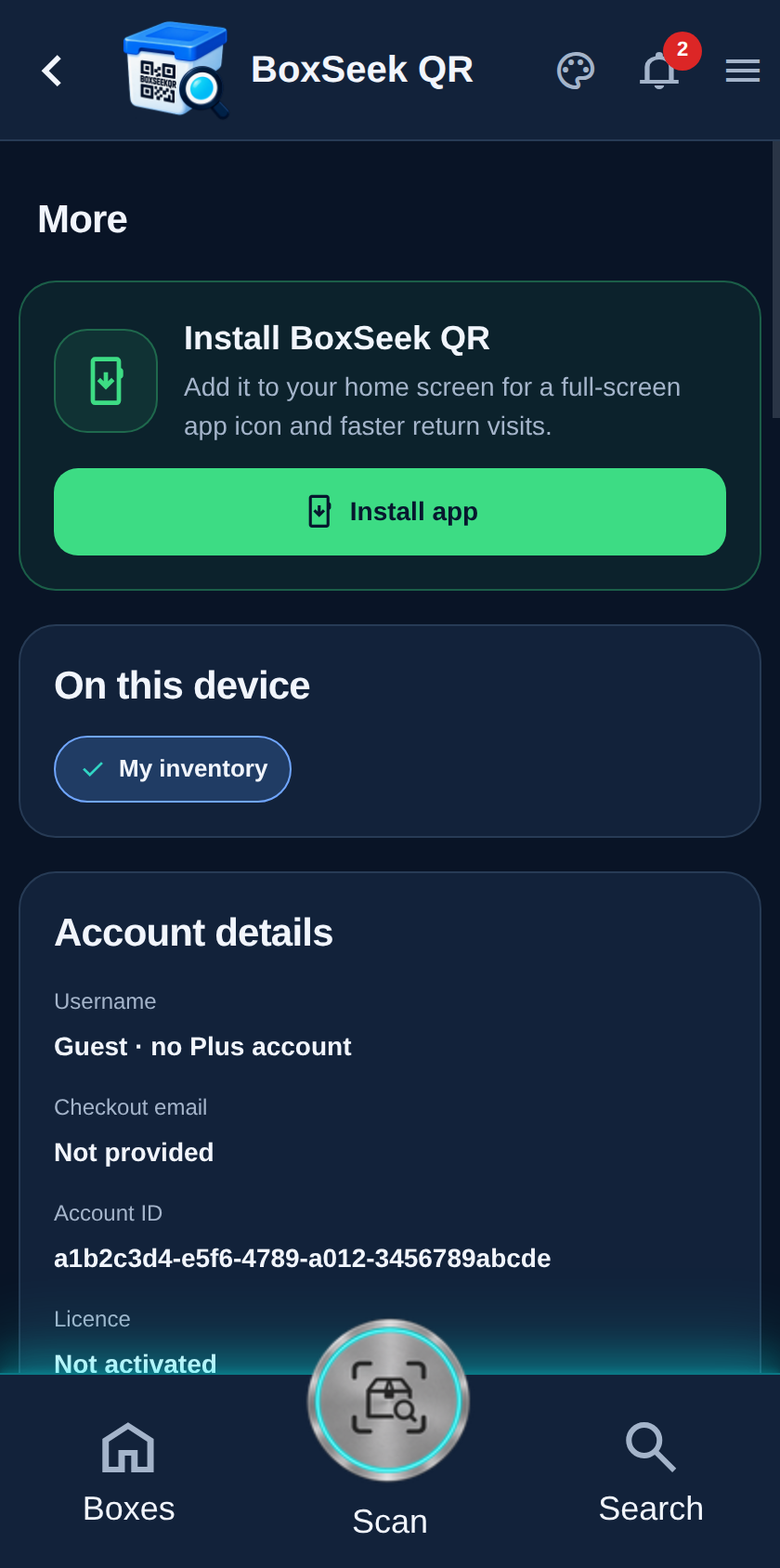
More page with Install BoxSeek QR card and Install app button
Step 1

Look on More

Open More (the menu icon). On Chrome or Edge—on an Android phone, Windows PC, Linux, or many Macs—you may see a green card titled Install BoxSeek QR at the top, with Install app. That card appears only when your browser is ready to add the icon. If you do not see it, you are either already using the home-screen icon, or your browser does not offer this button (common on iPhone and iPad—see step 3).
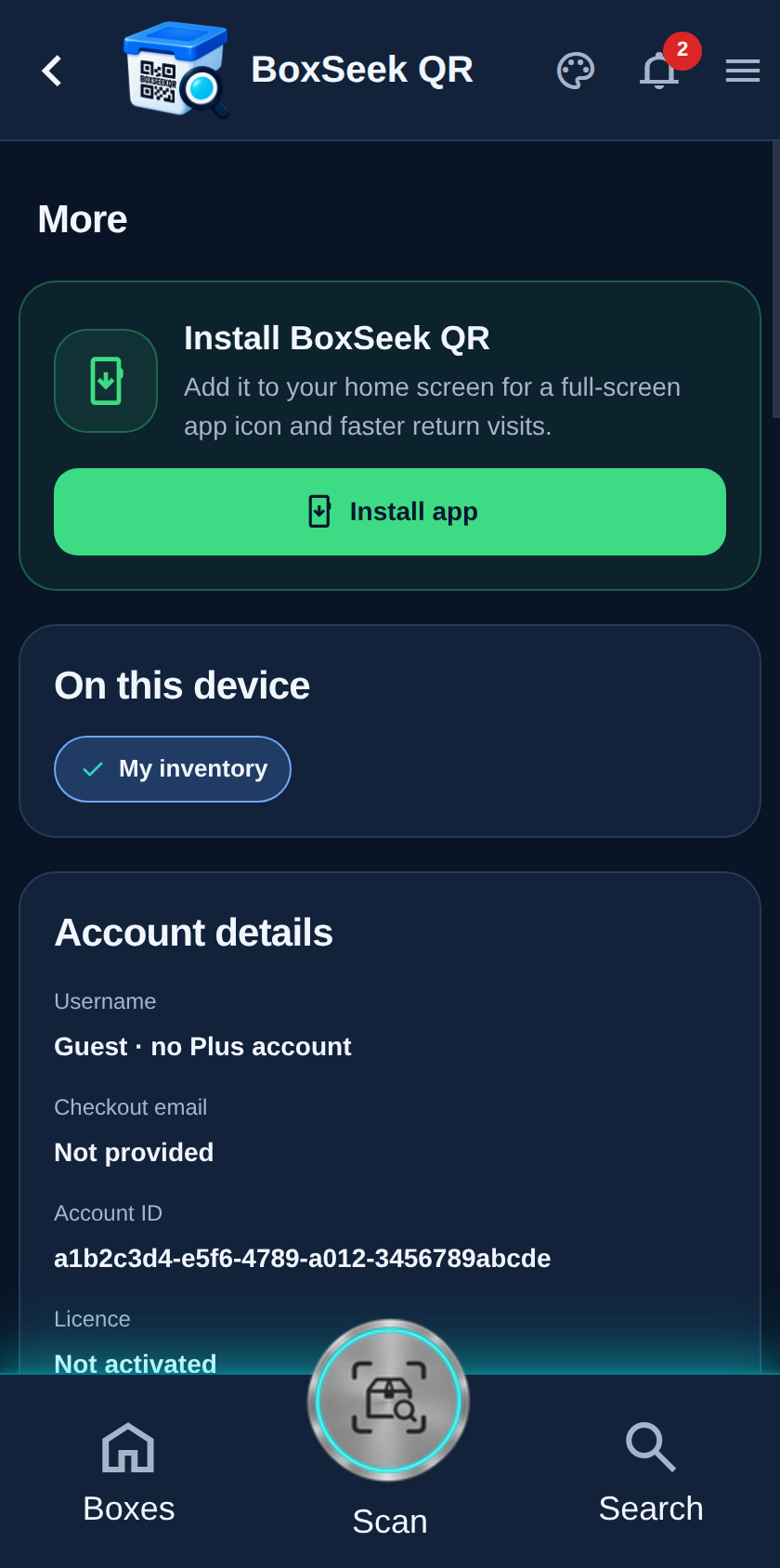
Install BoxSeek QR card highlighting the Install app button
Step 2

Tap Install app (Chrome and Edge)

Tap Install app. BoxSeek does not show a second confirm screen—your browser opens its own install dialog. Accept it. That puts a BoxSeek QR icon on your Android home screen or in your Windows / Linux / Mac app list. Chrome and Edge may also offer an install icon in the address bar; that does the same job.

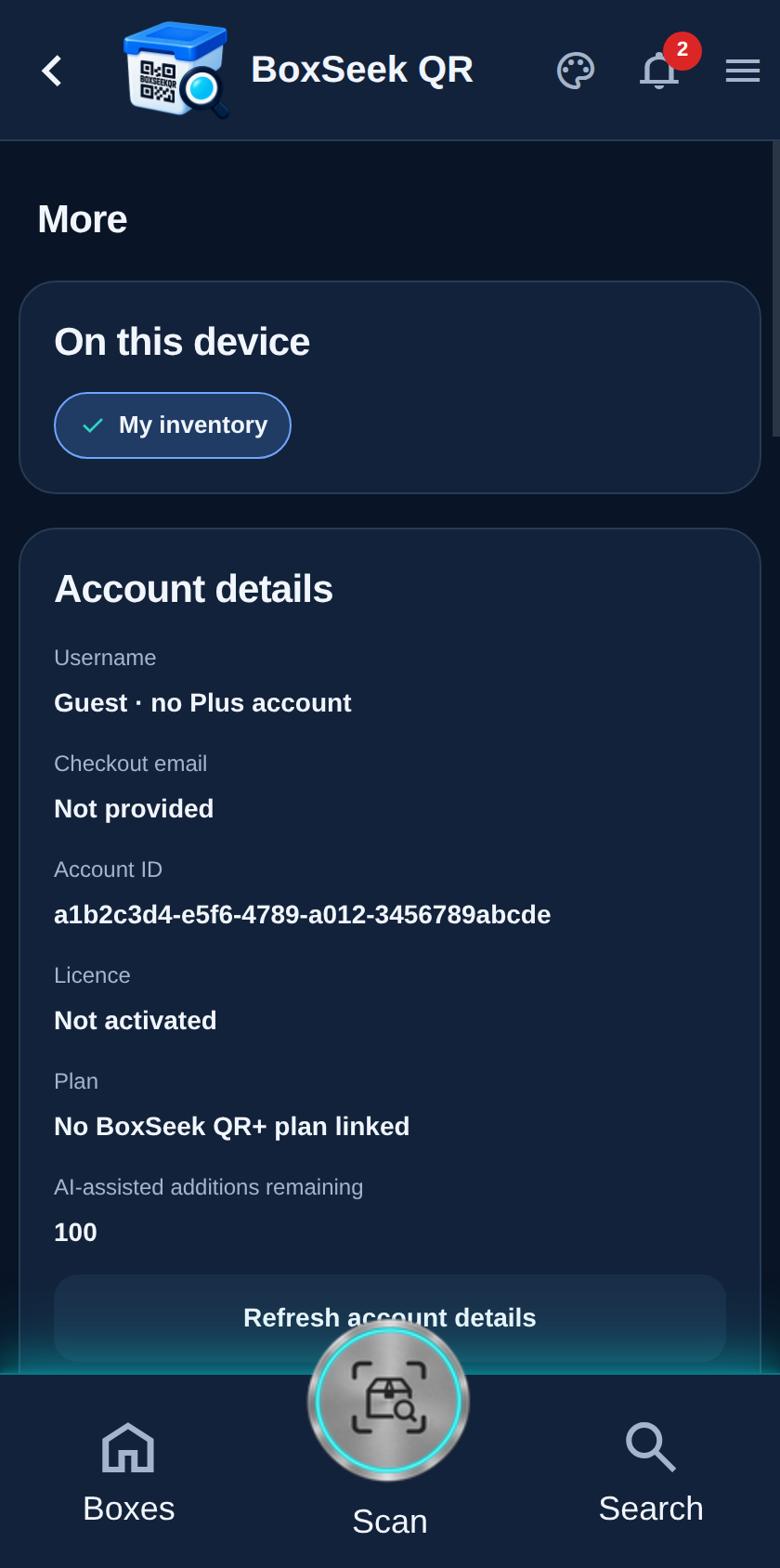
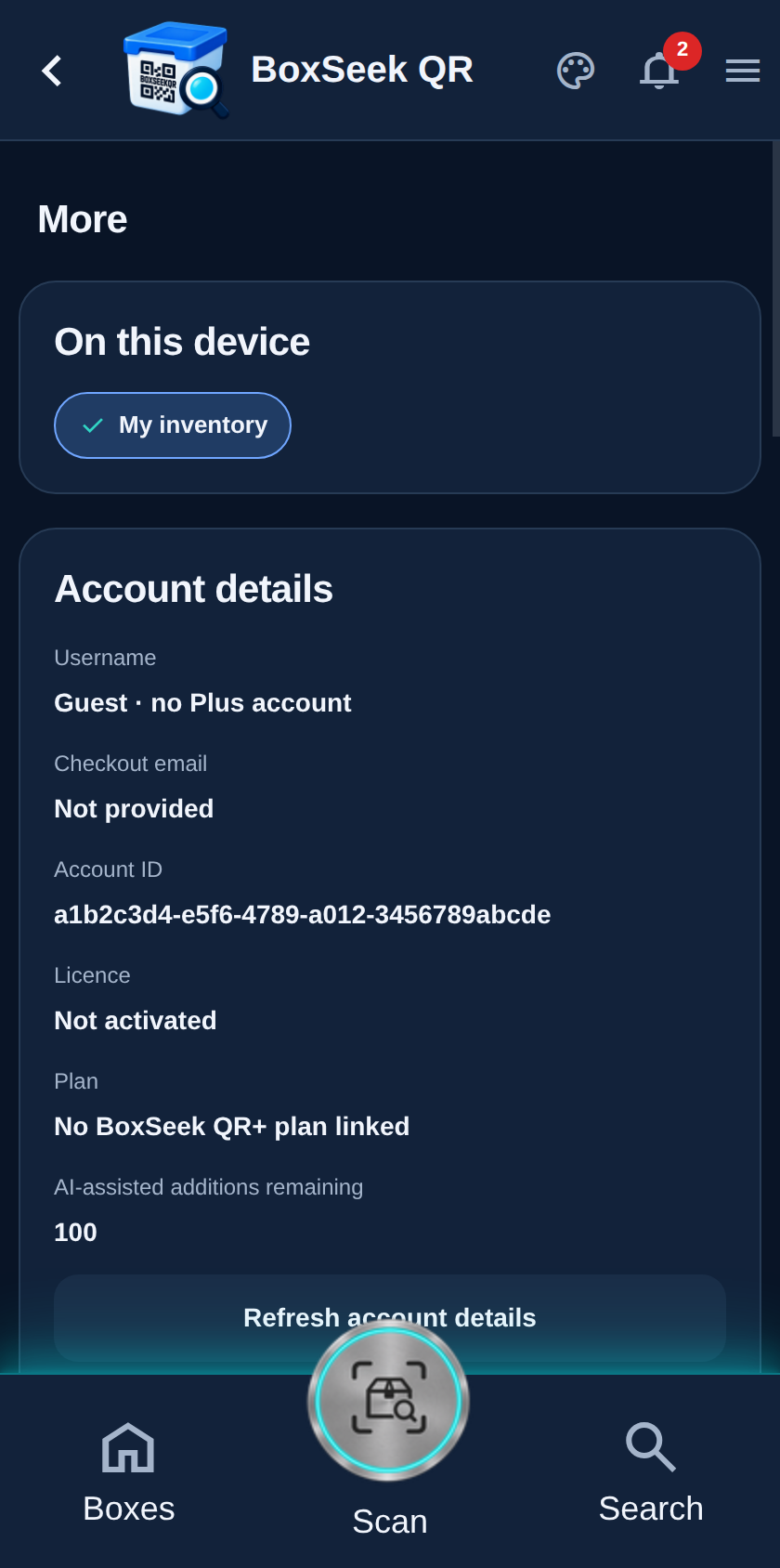
More page without the Install app card, as on iPhone and iPad Safari
Step 3

iPhone and iPad (Safari)

Safari never shows the Install app card—that is normal. The screenshot on the left is what More looks like without it. To add the icon:

1. Open https://boxseekqr.com/app/ in Safari (not only inside another app’s browser).

2. Tap the Share button (square with an arrow up).

3. Scroll the share sheet and tap Add to Home Screen.

4. Confirm the name, then tap Add.

Other browsers on iPhone usually follow the same Safari rules and also will not show Install app inside More.

More page after install with no Install app card
Step 4

Open it like an app

Launch BoxSeek QR from the new home-screen or desktop icon. It opens full screen without the browser address bar. Your boxes and items are the same inventory as in the browser tab—they share storage on that device. When you are already running from that icon, Install app no longer appears on More. If you remove the icon later, open the site in the browser again and use Install app (or Safari Share) to put it back.